
The Hidden Cost of Managing Apple Devices Manually
Many organizations know exactly how much they spend on purchasing MacBooks and iPhones. However, very few understand the hidden costs of managing these devices manually.
Think about these questions:
- How much IT time is spent setting up every new MacBook?
- Can your organization prove that data is secure if a device is lost?
- Do you know which Apple devices are running outdated software?
- Are your devices audit-ready?
If these questions are difficult to answer, your Apple devices are being administered—not truly managed.
This is where Jamf Pro, the world’s leading Apple device management solution, helps organizations simplify IT operations, strengthen security, and improve productivity.
The Hidden Costs of Manual Apple Device Management
As the number of Apple devices grows, manual management becomes expensive and inefficient.
- Time-Consuming Device Setup
Setting up a MacBook manually involves:
- User account creation
- Email configuration
- VPN setup
- Software installation
- Security policies
- Device encryption
Each device can take 2–3 hours of IT effort.
Multiply this by every new employee or replacement device, and your IT team spends hundreds of hours every year on repetitive tasks instead of strategic work.
- Increased Data Security Risks
A lost laptop is more than just lost hardware.
It may contain:
- Customer information
- Financial records
- Source code
- Confidential business documents
Without centralized management, organizations cannot easily prove that sensitive data was encrypted or protected.
For industries such as banking, healthcare, consulting, government, and IT services, this can create significant compliance and security risks.
- Outdated Software and Security Vulnerabilities
Employees often postpone operating system updates.
As a result:
- Devices remain unpatched
- Security vulnerabilities increase
- IT teams lose visibility into device health
Without centralized management, ensuring every device stays updated becomes almost impossible.
- Audit and Compliance Challenges
Many organizations need to comply with standards such as:
- ISO 27001
- SOC 2
- Internal IT security policies
- Customer security audits
Auditors expect proof that every endpoint is:
- Inventoried
- Encrypted
- Updated
- Secure
Maintaining spreadsheets manually is time-consuming and prone to errors.
What is Jamf Pro?
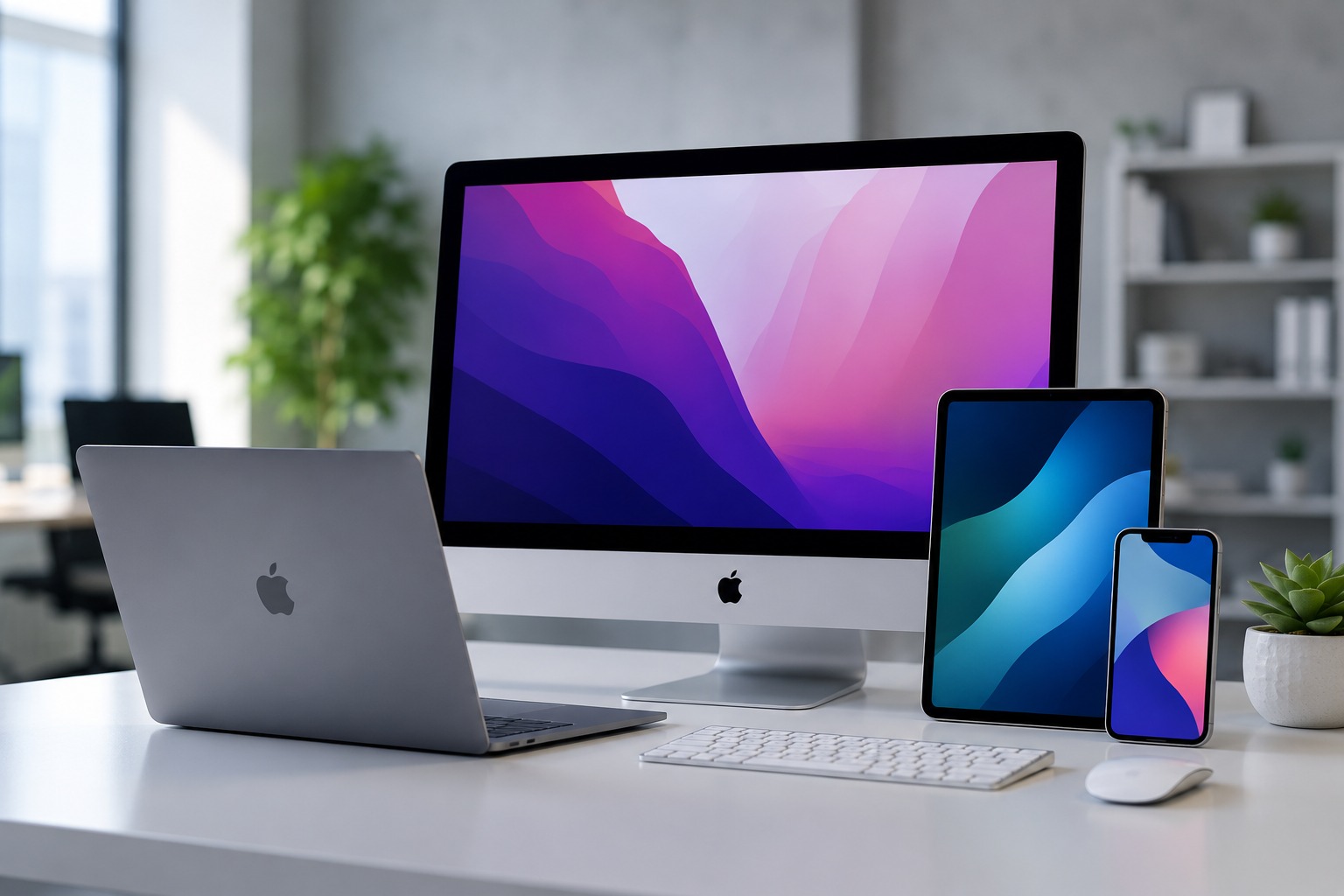
Jamf Pro is the world’s leading Mobile Device Management (MDM) platform designed exclusively for Apple devices, including:
- MacBooks
- iMacs
- iPhones
- iPads
- Apple TV
Unlike generic MDM platforms, Jamf Pro is built specifically for Apple’s ecosystem. This allows organizations to manage Apple devices efficiently while ensuring compatibility with every new macOS and iOS release.
Key Features of Jamf Pro
Zero-Touch Deployment
With Apple Business Manager integration, devices are automatically configured when employees turn them on for the first time.
There is no need for IT teams to manually prepare devices.
Employees can receive their MacBook directly from the supplier and start working immediately.
Automatic Security Updates
Jamf Pro automatically manages:
- macOS updates
- iOS updates
- Security patches
- Disk encryption
- Security policies
This ensures every device remains compliant and secure.
Remote Lock and Remote Wipe
If a MacBook or iPhone is lost or stolen, IT administrators can:
- Lock the device instantly
- Erase sensitive data remotely
- Maintain an audit trail of all actions
This significantly reduces the risk of data breaches.
Self-Service Software Installation
Jamf Pro includes a Self Service portal where employees can install approved applications without contacting IT.
Benefits include:
- Fewer IT support tickets
- Faster software deployment
- Better user experience
- Improved software governance
Complete Device Visibility
Jamf Pro provides a centralized dashboard showing:
- Device inventory
- Installed software
- Encryption status
- Patch levels
- Compliance reports
- Hardware information
IT administrators can instantly identify non-compliant devices and generate reports for audits.
Business Benefits of Jamf Pro
Organizations using Jamf Pro can:
✔ Reduce IT workload
✔ Speed up employee onboarding
✔ Improve endpoint security
✔ Simplify compliance audits
✔ Reduce operational costs
✔ Manage Apple devices from a single dashboard
Instead of spending valuable engineering hours on manual provisioning, IT teams can focus on strategic initiatives that drive business growth.
Who Should Use Jamf Pro?
Jamf Pro is ideal for organizations that rely on Apple devices, including:
- Software development companies
- IT and consulting firms
- Financial institutions
- Healthcare organizations
- Educational institutions
- Media and design agencies
- Startups with Apple-first environments
Whether your organization manages 20 devices or thousands, Jamf Pro scales with your business.
Deploy Jamf Pro with CosmicTech Infosystems
Implementing Jamf Pro is more than purchasing software—it requires careful planning, configuration, and ongoing support.
CosmicTech Infosystems Pvt. Ltd. helps organizations across India deploy Jamf Pro with:
- Apple Business Manager integration
- Device enrollment
- Security policy configuration
- Zero-touch deployment
- Ongoing technical support
Our experts ensure your Apple environment remains secure, compliant, and easy to manage.
Ready to Simplify Apple Device Management?
If your organization relies on MacBooks, iPhones, or iPads, Jamf Pro can help reduce IT workload, improve security, and simplify device management.
Contact CosmicTech Infosystems Pvt. Ltd. today for a personalized consultation and discover how Jamf Pro can transform your Apple device management strategy.
Email: enquiry@cosmictech.in
Phone: +91 95388 02869
Frequently Asked Questions
- What is Jamf Pro?
Jamf Pro is an Apple-exclusive Mobile Device Management (MDM) solution that helps organizations manage, secure, and automate MacBooks, iPhones, iPads, and other Apple devices.
- How does Jamf Pro improve security?
Jamf Pro enforces encryption, automates software updates, enables remote lock and wipe, and provides real-time visibility into device compliance.
- What is Zero-Touch Deployment?
Zero-Touch Deployment allows Apple devices to configure themselves automatically when turned on for the first time, eliminating manual IT setup.
- Can Jamf Pro help with compliance?
Yes. Jamf Pro provides audit-ready reports showing encryption status, software updates, inventory, and compliance information.
- Is Jamf Pro suitable for small businesses?
Absolutely. Jamf Pro is licensed per device and is suitable for businesses of all sizes, from startups to large enterprises.
- Does Jamf Pro manage Windows or Android devices?
No. Jamf Pro is built exclusively for Apple devices, making it one of the most reliable solutions for organizations using the Apple ecosystem.